Linking Parameters
Linking connects modulation sources (modulators or macros) to target parameters on devices.
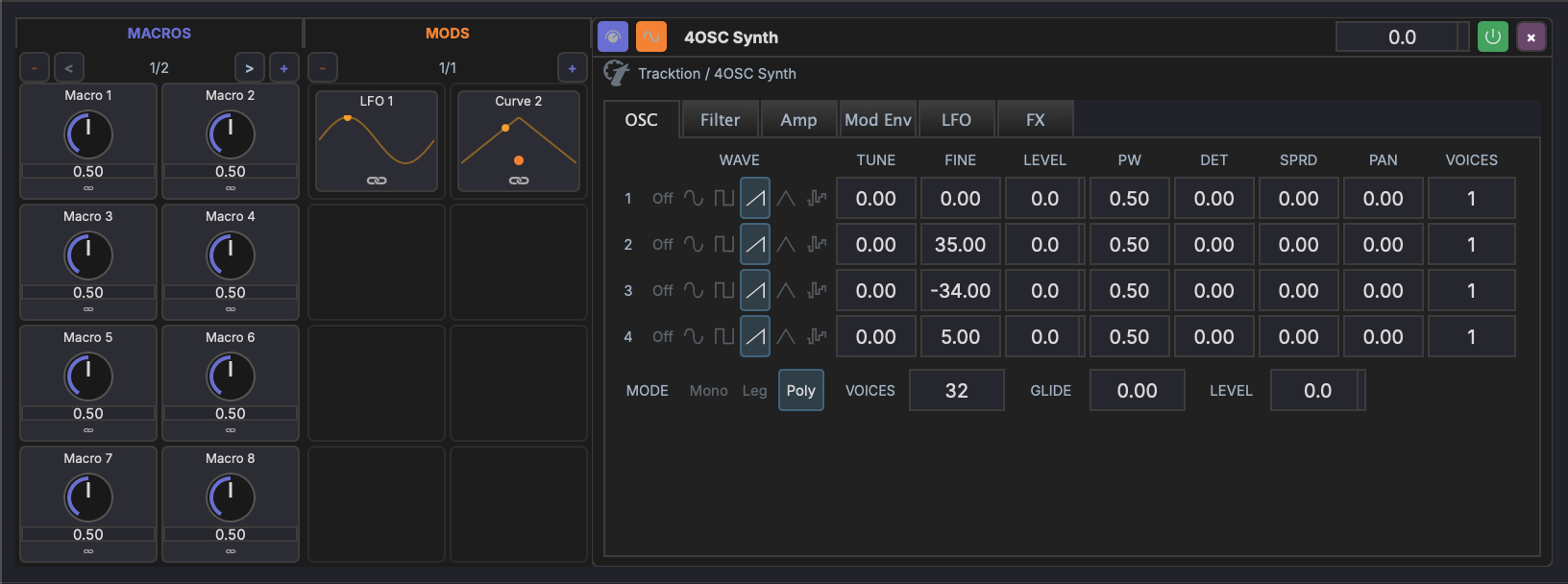
Link Mode
Link mode is the workflow for creating modulation connections:
- Enter link mode — Click the link button in the toolbar or press the link mode shortcut
- Select a source — Click a modulator or macro knob
- Click a target — Click any device parameter knob or slider
- Adjust the link — Set the modulation amount and polarity
- Exit link mode — Press Esc or click the link button again
Drag and Drop
You can also create links by dragging from a modulation source directly onto a target parameter. This is a shortcut that skips the link-mode workflow.
Link Settings
Each link has the following properties:
- Amount — How much the source affects the target (0–100%)
- Bipolar — When enabled, modulation swings both above and below the parameter's current value. When disabled, modulation only adds to the current value.
Modulation Matrix
The modulation matrix provides an overview of all active links on a track:
- Rows represent sources (modulators and macros)
- Columns represent target parameters
- Cells show the link amount — click to edit or remove
Visual Indicators
When modulation is active:
- Animated rings appear around modulated parameter knobs, showing the modulation range in real time
- Color coding distinguishes between different modulation sources
- Parameters with active modulation links display a small indicator dot
Linking Modulator-to-Modulator
Modulators can target each other's Rate to create more interesting motion than a single LFO can produce on its own. A slow LFO modulating a faster LFO's rate gives you accelerating-then-decelerating wobbles; a square-wave LFO driving another LFO's rate gives you discrete tempo shifts.
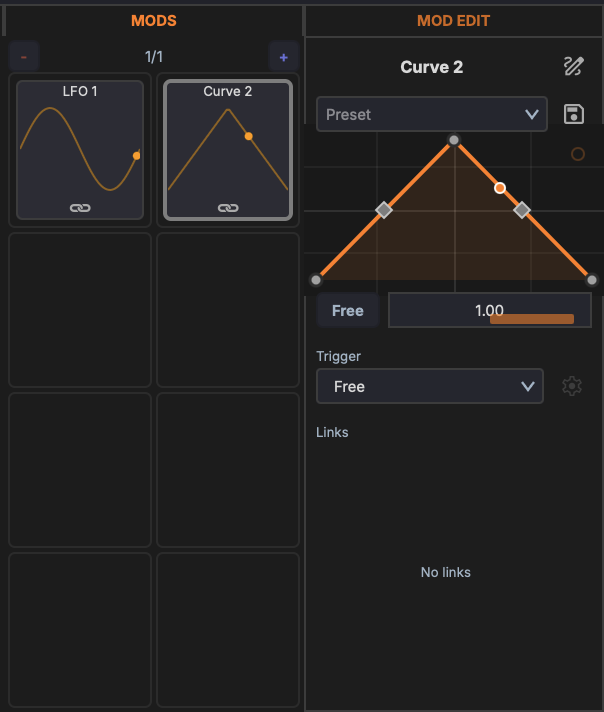
To create the link:
- Open the modulator editor for the source LFO.
- Right-click the destination LFO's Rate slider, or use link mode with the source LFO selected.
- Adjust the modulation amount as usual.
A modulator's Rate can be driven by modulators and macros from the same scope (track, rack, or device). Cross-scope links — say, a track-level macro driving a Rate inside a nested rack — are not supported in 0.6.0.
Same-Scope Rule
Macro→param, macro→mod, mod→param, and mod→mod links must all stay within the same scope. The scope is the parent that owns the source: track-level macros target track-level mods or any device on the track; rack-level macros target rack-level mods or devices in that rack; device-level macros and mods target only that device.